Connecting Salesforce to Other Systems: Three Main Options
When you need to integrate Salesforce with your ERP, accounting software, marketing platform, or custom systems, you have three main options: MuleSoft, Zapier, and Dell Boomi. They are not interchangeable — each serves a different business size and complexity level.
Zapier: Simple Automation for Small Business
What it is: A no-code automation tool that connects apps using simple "if this, then that" triggers and actions.
Cost: Free tier available. Paid plans from $20/month to $600/month depending on volume.
Best for: Simple, one-directional data flows. New Salesforce lead triggers a Slack notification. New Mailchimp subscriber creates a Salesforce contact. Form submission creates a Salesforce lead.
Limitations: No real-time sync, limited error handling, not suitable for high-volume transactions, cannot handle complex data transformations, not appropriate for enterprise or regulated industries.
Use Zapier if: You are a small business doing fewer than 10,000 transactions per month, your integrations are simple one-to-one connections, and you do not have sensitive data requiring audit trails.
Dell Boomi: Mid-Market Enterprise Integration
What it is: An enterprise integration platform with a visual low-code interface for building complex integrations.
Cost: Starts around $25,000/year. Enterprise plans can reach $100,000+/year.
Best for: Mid-size companies needing bi-directional, real-time sync between Salesforce and ERP systems like SAP, Oracle, or Microsoft Dynamics. Supports complex data transformations and error handling.
Strengths: Good pre-built connectors, visual interface, solid for batch processing, decent error handling and retry logic.
Limitations: Smaller platform than MuleSoft, less flexibility for highly custom integrations, support can be slow.
Use Dell Boomi if: You are a mid-size company needing reliable ERP integration with Salesforce, have IT staff to manage the platform, and cannot justify MuleSoft's cost.
MuleSoft Anypoint Platform: Enterprise-Grade Integration
What it is: Salesforce's own enterprise integration platform. The most powerful and flexible option available, built for complex API-led connectivity.
Cost: Typically $100,000+/year for enterprise licensing. Implementation adds $50,000-$200,000 depending on complexity.
Best for: Large enterprises with multiple systems needing real-time, bi-directional integration. Healthcare organizations needing FHIR/HL7. Financial services needing FIX protocol. Companies with 100+ APIs to manage.
Strengths: Unmatched flexibility, API management capabilities, thousands of pre-built connectors, enterprise-grade security, full audit trail, excellent error handling.
Limitations: Most expensive option, requires skilled developers to implement and maintain, overkill for simple integrations.
Use MuleSoft if: You are a large enterprise, operate in a regulated industry with complex data requirements, need to manage many APIs across your organization, or have been told by your IT team that your integration requirements are too complex for simpler tools.
Quick Comparison Table
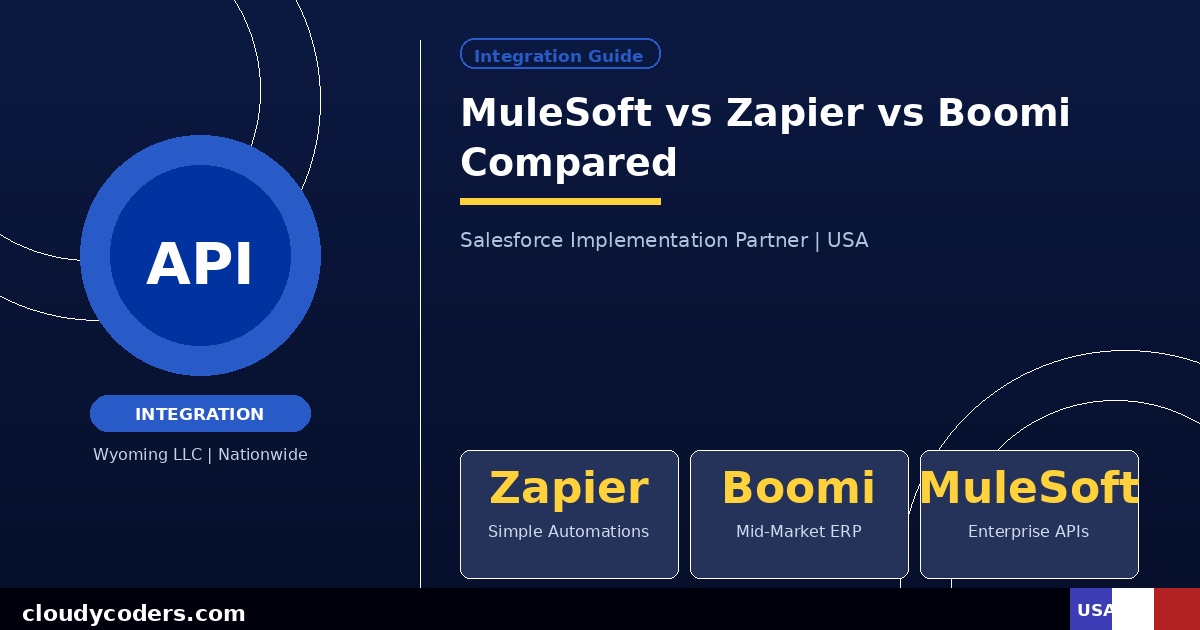
Zapier: Cost $20-$600/month | Complexity Low | Best for Simple triggers | Who Small business
Dell Boomi: Cost $25K-$100K+/year | Complexity Medium | Best for ERP sync | Who Mid-market
MuleSoft: Cost $100K+/year | Complexity High | Best for Enterprise API | Who Enterprise
Other Options Worth Knowing
Make (formerly Integromat): A Zapier alternative with more complex logic. $9-$299/month. Good step between Zapier and enterprise platforms.
Jitterbit: Similar to Dell Boomi. $15,000-$50,000/year. Good Salesforce-specific connectors.
Salesforce Connect: Native Salesforce feature for connecting external data in real time without moving it into Salesforce. Free with Enterprise and above licenses. Underused option for simpler integration needs.
How to Choose
Start by answering these questions: How many transactions per day need to sync? Is it one-way or two-way? Do you need real-time or is nightly batch sync acceptable? Is this regulated data requiring audit trails? How many systems need to connect?
Less than 10,000 transactions per day, simple one-way flows, no compliance requirements: start with Zapier. Mid-size company with ERP integration needs: evaluate Boomi and Jitterbit. Enterprise with complex API management needs: MuleSoft is the answer.
We implement all three depending on client needs. Tell us about your integration challenge and we will recommend the right tool for your specific situation.