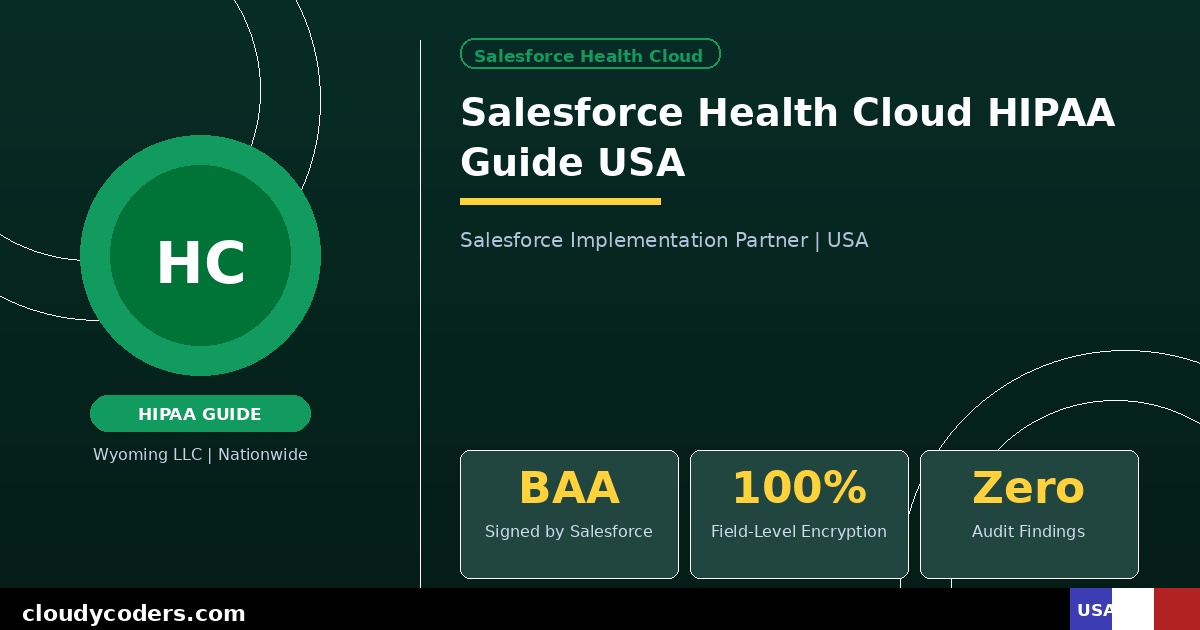
Is Salesforce Health Cloud HIPAA Compliant?
Yes — but only if implemented correctly. Salesforce will sign a Business Associate Agreement (BAA) for Health Cloud, which is required for HIPAA compliance. However, signing the BAA is just the starting point. The way your org is configured determines whether your implementation is actually HIPAA compliant.
What HIPAA Requires from Your CRM
HIPAA's Security Rule requires covered entities and their business associates to implement technical safeguards for Protected Health Information (PHI). For a CRM like Salesforce Health Cloud, this means:
- Access Controls: Only authorized users can access PHI fields. Role-based permissions must be configured precisely.
- Audit Controls: Every access and modification of PHI must be logged. Salesforce maintains these logs automatically.
- Integrity Controls: PHI must not be improperly altered or destroyed. Salesforce's data architecture handles this.
- Transmission Security: PHI transmitted over networks must be encrypted. Salesforce uses TLS encryption for all data in transit.
- Encryption at Rest: PHI stored in the system must be encrypted. Salesforce Shield adds field-level encryption for maximum compliance.
Salesforce Features That Support HIPAA Compliance
Business Associate Agreement: Salesforce signs a BAA covering Health Cloud. This is a legal requirement before processing any PHI. Request it through your Salesforce account executive.
Field-Level Security: Configure exactly which profiles and roles can see PHI fields like diagnosis codes, medications, and patient identifiers.
Field Audit Trail: Tracks changes to specific fields with timestamp and user information. Required for demonstrating compliance during audits.
Event Monitoring: Logs user activity including logins, data exports, and record views. Identifies suspicious access patterns.
Salesforce Shield: Adds platform encryption, event monitoring, and field audit trail at the field level. Recommended for organizations handling large volumes of PHI.
Configuration Steps Required for HIPAA Compliance
Step 1: Sign the BAA. Contact Salesforce before storing any PHI. No BAA means no HIPAA compliance, period.
Step 2: Configure profiles and permission sets. Apply the principle of least privilege. Users should only see PHI they need for their specific role. Front desk staff see scheduling data. Nurses see clinical data. Billing sees financial data only.
Step 3: Enable field-level security. Lock down fields containing PHI like Social Security numbers, diagnosis codes, and insurance information to specific roles.
Step 4: Disable PHI in email alerts. Default Salesforce email alerts can expose PHI. Configure notifications to reference case numbers only, not patient data.
Step 5: Implement session security. Set automatic logout after inactivity, restrict login IP ranges for sensitive roles, and require multi-factor authentication for all users.
Step 6: Train all users. HIPAA requires workforce training. Document that all users have been trained on appropriate use of the system and PHI handling policies.
Step 7: Establish a breach notification process. Know what to do if unauthorized access occurs. Salesforce's Event Monitoring helps detect potential breaches quickly.
Common HIPAA Mistakes in Salesforce Implementations
- Storing PHI in standard text fields visible to all users instead of secured custom fields
- Using Salesforce Chatter (internal social feed) to share patient information
- Granting admin access to too many users during setup and never restricting it
- Using standard Salesforce email templates that include PHI in the body
- Not enabling multi-factor authentication for all users
- Forgetting to include third-party apps (DocuSign, marketing tools) in the BAA scope
Health Cloud vs Standard Sales Cloud for Healthcare
Can you use standard Salesforce Sales Cloud for a healthcare organization? Technically yes, with heavy customization. But Health Cloud includes a pre-built patient data model, care plan templates, and healthcare-specific features that would take months to build in Sales Cloud. For any organization storing patient data, Health Cloud is the right choice.
Cost of HIPAA-Compliant Health Cloud Implementation
Health Cloud licenses start at $300/user/month. Implementation by a consultant with healthcare experience typically runs $20,000 to $50,000 depending on the number of locations, integrations (EHR, billing, scheduling), and complexity of care workflows.
Salesforce Shield (recommended for maximum compliance) adds approximately $150/user/month.
We Specialize in HIPAA-Compliant Health Cloud
We have implemented Health Cloud for clinics, hospital systems, home health agencies, and behavioral health providers across the United States. Every implementation includes BAA facilitation, security configuration review, and a HIPAA compliance checklist sign-off.
Learn more about our Health Cloud services or schedule a free discovery call.