The Simple Answer
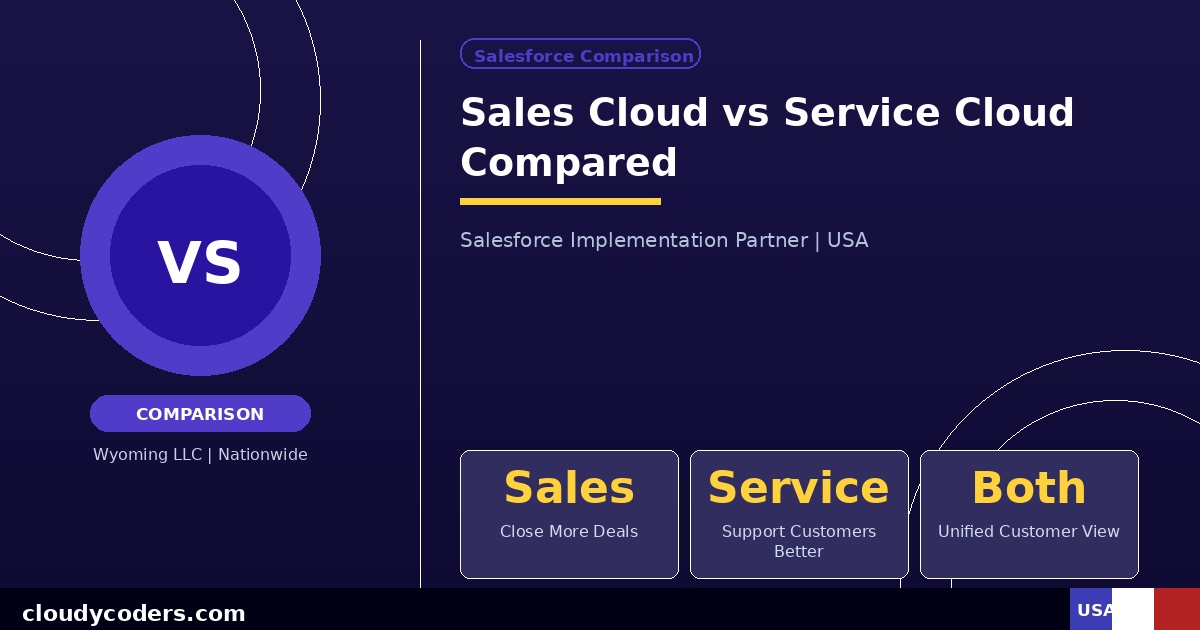
Sales Cloud is for sales teams closing deals. Service Cloud is for support teams solving customer problems. If you sell, you need Sales Cloud. If you support customers after the sale, you need Service Cloud. Most growing companies eventually need both.
What Sales Cloud Actually Does
Sales Cloud manages your entire sales process from lead to closed deal.
Lead Management: Captures leads from your website and ads, scores them by likelihood to buy, and routes them to the right rep automatically.
Opportunity Tracking: Every potential deal is an Opportunity with a stage (Demo, Proposal, Negotiation, Closed Won), expected value, and close date. Your pipeline is always visible.
Sales Forecasting: Roll up all opportunities to forecast revenue by rep, by team, and by quarter. Stop guessing and start planning.
Automation: Automatically follow up with leads who did not respond. Create tasks for reps. Alert managers when big deals stall for too long.
Best for: Companies with a dedicated sales team actively prospecting and closing new business. If you have quota-carrying reps, you need Sales Cloud.
What Service Cloud Actually Does
Service Cloud manages your customer support operation after the sale.
Case Management: Every customer issue becomes a Case with a unique number, priority level, assigned agent, and status. Nothing falls through the cracks.
Omnichannel Support: Handle support requests from email, phone, live chat, and social media in one unified agent console. No switching between tools.
Knowledge Base: Build a self-service help center so customers find answers without creating tickets. Reduces support volume 20-40%.
SLA Tracking: Set response time and resolution time commitments and get alerted automatically when a case is at risk of breaching your SLA.
Best for: Companies with a customer support or customer success team managing post-sale relationships and handling ongoing issues.
Key Differences Side by Side
Primary User: Sales Cloud = sales reps | Service Cloud = support agents
Main Object: Sales Cloud = Opportunity | Service Cloud = Case
Goal: Sales Cloud = close more deals | Service Cloud = resolve issues faster
Key Feature: Sales Cloud = pipeline and forecasting | Service Cloud = case routing and SLAs
Integrations: Sales Cloud = email, calendar, LinkedIn | Service Cloud = phone, live chat, knowledge base
Can You Use Both Together?
Yes, and many companies do. They work together smoothly because both share the same Account and Contact objects. Your support agent can see what a customer purchased and what was promised in the sale. Your sales rep can see if a customer currently has open support issues before making a renewal call. This unified view is a major advantage over using separate systems.
Which Should You Buy First?
Start with Sales Cloud if: Your biggest problem is closing more deals, your pipeline is managed in spreadsheets, or you are losing leads due to slow follow-up.
Start with Service Cloud if: Customers are complaining about slow support, tickets are falling through cracks in email, or you need to track response times for SLA commitments.
Buy both at once if: You have distinct sales and support teams, and you want a single unified view of every customer from first contact to ongoing service.
Pricing
Both start at $25/user/month on Essentials and go up to $300/user/month on Unlimited. Most US companies use Professional at $75/user/month or Enterprise at $150/user/month. You can mix licenses — give Sales Cloud to your sales team and Service Cloud to your support team. You pay separately per user per product.
Implementation Timeline
Sales Cloud alone typically takes 3-5 weeks to implement properly. Service Cloud alone takes 4-6 weeks. Both together take 6-10 weeks. Do not let anyone tell you either can be done in a week — that means they are setting up a blank org and calling it done.
Still Not Sure?
Book a free 30-minute call with us. We will ask about your team, your current process, and your biggest frustration. Then we will tell you honestly which product fits — or if you need both. Schedule here.